

Hardware requirements for Windows 11: moving to Surface
5 minute read
Rhiain Cliffe
November 17th, 2025
Windows 10 has officially reached end of support, leaving organisations with several possible next steps. If you’ve chosen to upgrade to Windows 11, you need the right hardware to get the most out of it.
Windows 11 introduces several new features, but if your hardware doesn’t meet the requirements, you won’t see the potential benefit.
Our eBook explores how to turn disruption into opportunity. But we’re here to answer your burning questions first.
What are the minimum hardware requirements for Windows 11?
Microsoft’s Windows 11 hardware requirements include TPM 2.0, Secure Boot, and a compatible 64-bit processor with at least 1GHz speed and two or more cores. But meeting the minimum isn’t the same as being ready.
If you’re asking, “Is my computer compatible with Windows 11?”, the answer might be yes, but that doesn’t mean it’s optimised. Many older devices can technically run Windows 11, but they won’t support its full feature set, especially when it comes to AI integration and the cloud.
Why Microsoft Surface for business makes sense
Surface devices are designed with Windows 11 in mind, not just to meet the minimum hardware requirements, but to unlock the full experience. From enhanced security to AI-powered productivity, Surface offers a futureproof foundation for modern work.
Whether you’re looking for the best laptops for Windows 11 or planning a full Windows 11 migration, Surface delivers:
- Built-in compatibility with Windows 11 minimum requirements
- Advanced security features like TPM 2.0 and virtualisation-based protection
- Seamless integration with Microsoft 365 and cloud platforms
- Flexible form factors for hybrid and remote teams
What does Windows 11 readiness really mean?
Windows 11 readiness isn’t just about ticking boxes, it’s about aligning your hardware with how your teams work. Devices need to support real-time collaboration, intelligent automation, and secure cloud access.
That’s why Phoenix offers tailored support for your Windows 11 migration, including readiness workshops, device trials, and persona mapping. We help you choose hardware that’s not only compatible, but capable.
Want to explore what smarter devices can do?
Our latest eBook explores how organisations can use this moment to rethink their device strategy. It covers everything from AI-ready hardware to cloud-first integration.
Download the eBook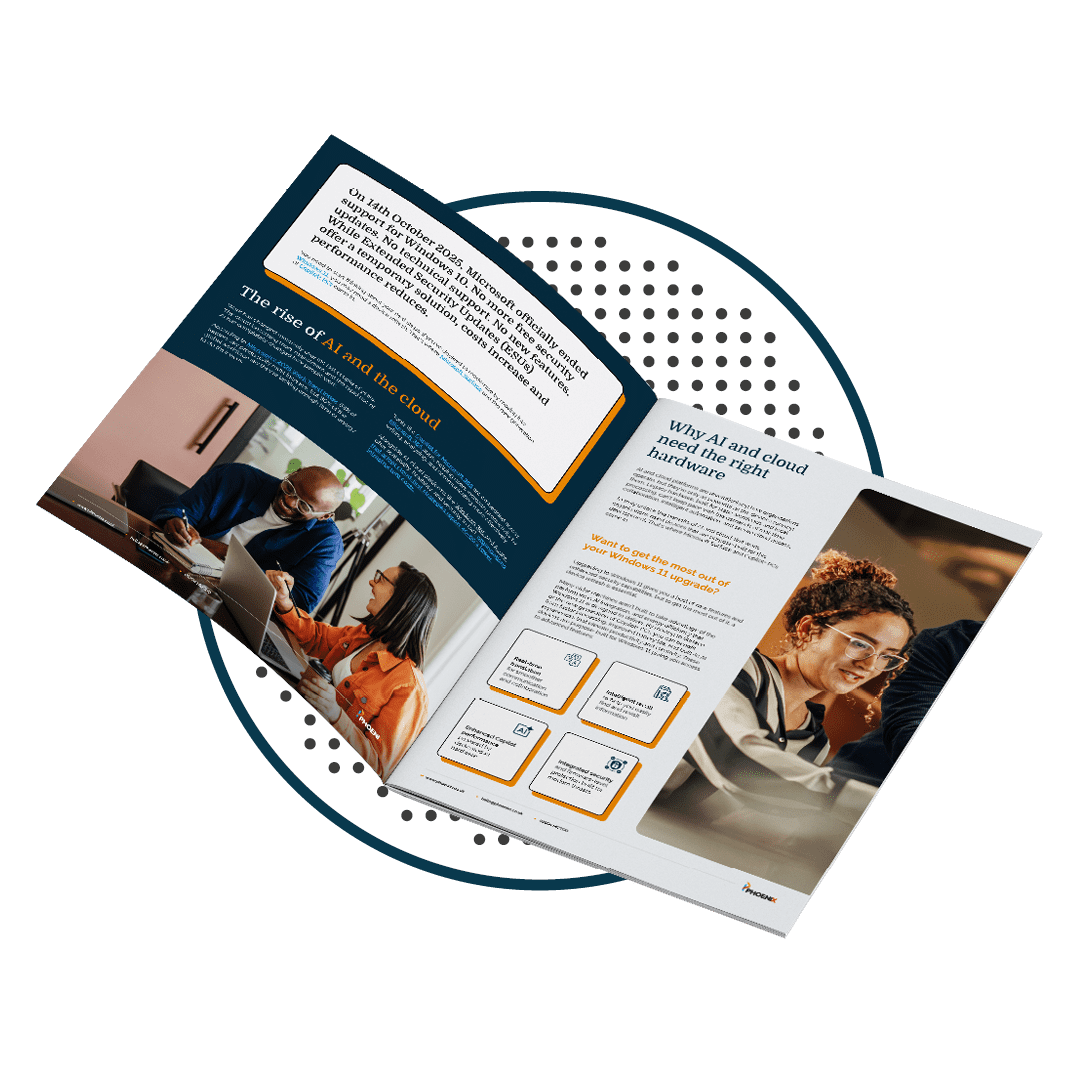

About the author
Rhiain Cliffe, End User Device Specilist
Rhiain has been at Phoenix since 2019, beginning her time with us as an Account Manager in the Education Team. Her time in that team highlighted her interest and passion for Microsoft Surface devices which is why she is now a member of our Cloud and AI Solutions Team as our dedicated in-house End User Device Specialist. Rhiain is an advocate for the positive impact Surface devices can have on an organisation, including everything from their accessibility goals, their attitude to sustainability, and modernising the workplace with the right devices for the right roles.