



Azure migration: avoid these five common pitfalls
6 minute read
Jamie Shand
February 19th, 2026
Azure migration often starts with excitement. There’s ambition to become more agile, resilient, and future-ready.
After supporting organisations across the UK with their cloud migration strategies, we’ve seen the same five pitfalls surface time and time again. The good news? Every one of them is avoidable, with the right strategy.
1) Treating Azure migration as a technical exercise rather than a strategic one
The most common catalyst for Azure migration isn’t a considered cloud migration strategy, it’s a looming hardware refresh or a licensing renewal that’s forcing a decision. Under that kind of time pressure, the temptation is to move fast and figure out the rest later.
Lift-and-shift migrations can succeed technically while still being strategically poor decisions. If you move workloads without first asking which ones should move, which ones should be modernised, and which ones should stay on-premises, you’re not migrating to the cloud, you’re just rebuilding your existing problems in a different place. We’ve heard of organisations migrating every VM in a single wave, only to find months later that costs had increased and performance hadn’t improved. The infrastructure moved. The thinking didn’t.
A well-structured Azure Landing Zone, aligned to Microsoft’s Cloud Adoption Framework, creates the foundation you need before anything moves. Map your dependencies. Define phased migration waves. Connect each decision to a specific business outcome, whether that’s operational resilience, scalability, or cost reduction.
2) Assuming the savings are automatic
Azure can absolutely reduce infrastructure spend. But it won’t do it on its own. The idea that moving to the cloud automatically cuts costs is one of the most persistent misconceptions in the industry, and it tends to surface most painfully when the first invoice arrives.
Cloud environments we’ve reviewed often share the same characteristics: VMs sized for peak capacity that was never actually reached, non-production environments running around the clock, no Reserved Instances or Savings Plans in place, and storage and egress costs that were never modelled before migration. The underlying issue is that cloud economics work differently to on-premises infrastructure. You’re paying for consumption and flexibility, not hardware replacement. That changes how you need to think about cost from the start.

Cost modelling should happen before migration, not after. Tools like Azure Migrate and Azure Advisor give you the data you need to right-size workloads based on actual utilisation. Building in FinOps principles early (governance, tagging, Reserved Instance commitments where appropriate) makes a significant difference to what you pay over time. Azure rewards discipline, but it doesn’t enforce it.
Are you ready for Azure migration?
Many organisations don’t realise where the risks are until migration is already underway. From hidden licensing costs to application compatibility and governance challenges, a small oversight can quickly become a costly issue.
Our Azure Migration Readiness Assessment helps you identify potential blockers before they impact your project. You’ll gain insight into your current environment, understand where optimisation opportunities exist, and receive practical guidance to support a smoother migration journey.
Take the assessment now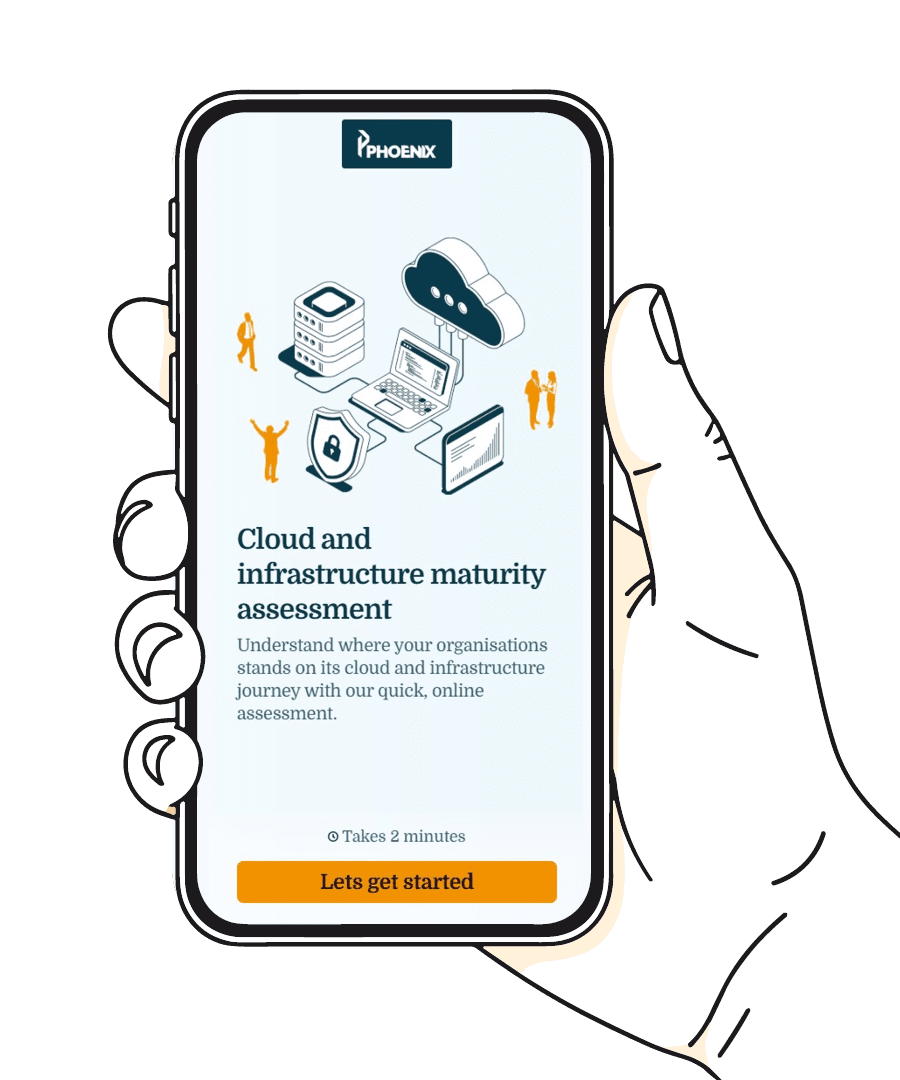
3) Leaving governance until after go-live
Governance rarely feels urgent at the start of a migration. There are workloads to move, timelines to hit, and a lot of more immediate problems to solve. So it gets deferred. ‘We’ll sort that once everything is live.’
The problem is that complexity compounds quickly. As subscriptions multiply and teams start deploying independently, an ungoverned Azure estate becomes increasingly difficult and expensive to manage. Without structured identity and access management, role-based access controls, tagging standards, and policy guardrails in place from the beginning, you end up spending more time untangling the environment after migration than you did migrating into it.
The practical answer is to implement governance infrastructure before workloads move. This means designing your management group hierarchy, applying Azure Policy controls, embedding least-privilege access models, and establishing your security baselines at the outset.
4) Rehosting everything and missing the actual opportunity
Lift-and-shift isn’t wrong. For many workloads, it’s the right first move. But when every application gets treated identically, regardless of its architecture or potential, you’re leaving a lot on the table.
A legacy SQL Server migrated to Azure IaaS carries the same management overhead it always did. Migrated to Azure SQL Managed Instance, it doesn’t. An application rehosted as-is might function adequately in the cloud, but the same application with some targeted modernisation could perform significantly better and cost less to run.
This doesn’t mean refactoring everything. It means being deliberate about where the investment is worth it. Identify the workloads where moving to PaaS, managed databases, or integration services would unlock measurable value. Azure is a capability platform, not just a hosting one. The organisations getting the most from it treat it that way.

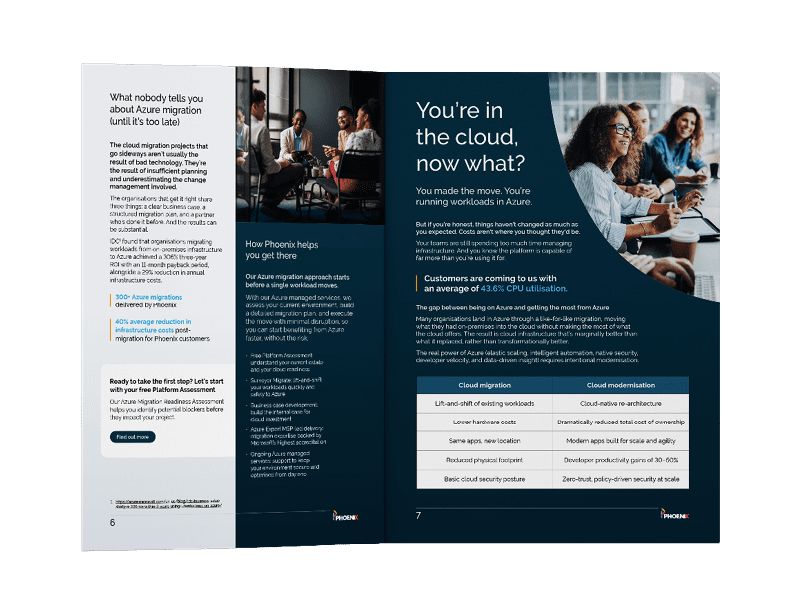
There’s more to Azure than migration
Getting workloads into the cloud is one thing. Building a cloud environment that actively works for your organisation is another. Our eBook, Your Azure journey starts here, covers the full picture — from migration planning through to modernisation and advanced Azure capabilities.
5) Underestimating how connected everything is
Applications are rarely as self-contained as they appear. Move a web tier to Azure while its database remains on-premises, and latency becomes an immediate problem. Move a service without understanding its authentication dependencies, and you can degrade user experience significantly before anyone knows what caused it.
Undocumented dependencies are especially common in long-standing legacy environments, where integrations have accumulated over years and institutional knowledge has quietly walked out of the door. This is the migration risk that teams most consistently underestimate, and the one that causes the most disruptive incidents post-go-live.
The answer is thorough dependency mapping before anything moves. Azure Migrate’s dependency visualisation tools help you understand communication flows between servers and services and surface connections that aren’t in any documentation. Combine that with rigorous pre- and post-migration testing under realistic load conditions. Moving infrastructure is straightforward. Moving the ecosystem around it requires a different level of care.
Migration is the beginning, not the goal
Done well, Azure migration creates a platform for genuine capability; resilience, scalability, access to services that weren’t available before. Done reactively, it introduces new complexity under a different operating model, with all the associated costs and friction.
If you’re planning a migration, or questioning whether your current approach is delivering what it should, get in touch with our specialists.


About the author
Jamie Shand, Cloud Platform Solution Lead
Jamie is the Azure Solutions Lead in the Cloud and AI Solutions Team. With 13 years in the industry, including a 3 year stint at Microsoft, Jamie has cultivated a nuanced understanding of technology’s intricacies. At the core, Jamie is driven by a modest yet profound passion for aiding others, utilising the transformative potential of the cloud. Jamie exemplifies a genuine commitment to leveraging technology for the betterment of people, reflecting a quiet force in the evolving landscape of cloud and AI solutions.